Maternity portrait guide
How to Choose Photos for AI Maternity Portraits
For Us Before You, choose two to four clear, recent photos of each person separately. Use natural-looking light, an unobstructed face and a few different angles. You do not need a photo together. JPEG, PNG, WebP and HEIC files are accepted, up to 15 MB each. iPhone HEIC photos are converted automatically on your device.
Start with recognizable faces, not a perfect setting
Reference photos help an AI portrait system interpret who is in the picture. A beautiful background is less useful if a face is tiny, blurry or hidden. Look through your camera roll for photos where you can see each person's features clearly at normal viewing size.
Choose recent pictures that reflect how you want to be represented. Heavy beauty filters, face reshaping and extreme edits can make that starting point less faithful. A sharp, ordinary photo can be more useful than a polished social-media image.
Use a small, varied set for each person
Select two to four photos of you and two to four of your partner. Keep the sets separate so each upload belongs to the correct person. Include a straightforward view and a gentle three-quarter angle rather than several copies of almost the same picture.
As a practical check, look for consistent appearance across the set. If your partner has a beard in one image and no beard in another, or your hairstyle changes dramatically, choose the version you want the portrait to reflect. More conflicting references do not necessarily produce a better interpretation.
- A clear face with eyes visible and no sunglasses.
- Even light without deep shadows across the face.
- Different useful angles rather than duplicate shots.
- A photo of you and a photo of your partner in their own upload groups.
If you need a new photo, keep it simple
Stand or sit comfortably near a window and have someone take a few photos at roughly eye level. Turn toward the light enough that your face is visible. Avoid a bright window directly behind you if it leaves your face in shadow.
Check the result before uploading: zoom in and make sure the face is sharp. Avoid phone screenshots with text or interface elements, distant group photos and images where someone else's face overlaps yours. You do not need matching outfits or a studio backdrop for reference photos.
Check files and permissions before uploading
Use JPEG, PNG, WebP or HEIC files no larger than 15 MB each. iPhone HEIC photos are converted automatically on your device before uploading. If conversion fails, choose a JPEG or PNG copy.
Upload only adult photos you have permission to use. Both people should agree to having their images used to create synthetic portraits. Read the privacy and deletion information before sending personal photos, especially if you are comparing services.
Good references help; they do not guarantee likeness
AI maternity portraits are synthetic interpretations. Faces, hands, body proportions, clothing and other details can differ from your references. Review each preview carefully rather than assuming a sharper upload guarantees an exact result.
Us Before You's style gallery shows illustrative samples, not customer results. Personalized previews use uploaded references, and live purchases remain disabled until payment setup and fulfillment verification are complete. Check how it works for the current experience before starting.
Explore the portrait directions
These images are illustrative style samples, not customer results or a guarantee of your portrait.
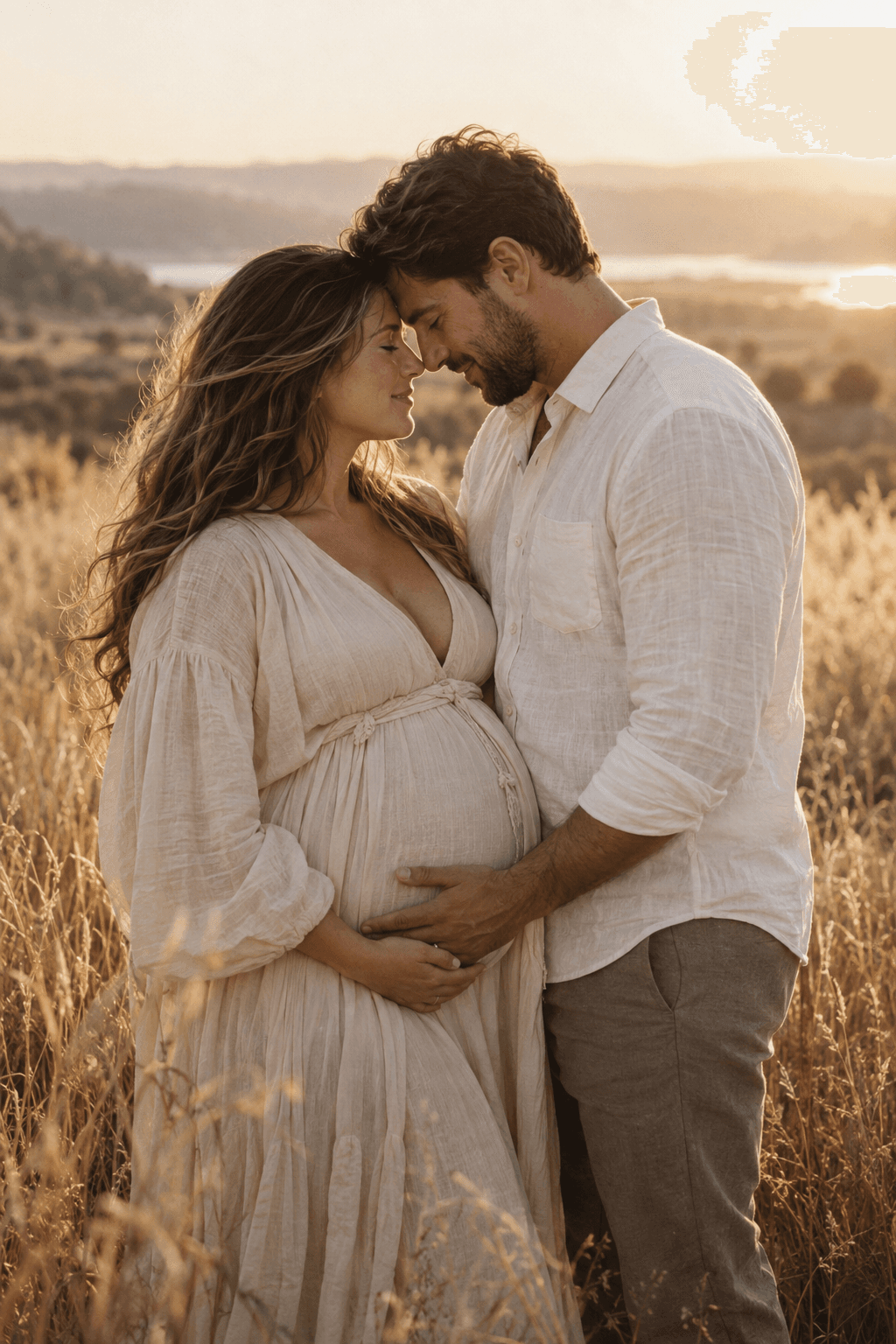 Golden Hour maternity portraits
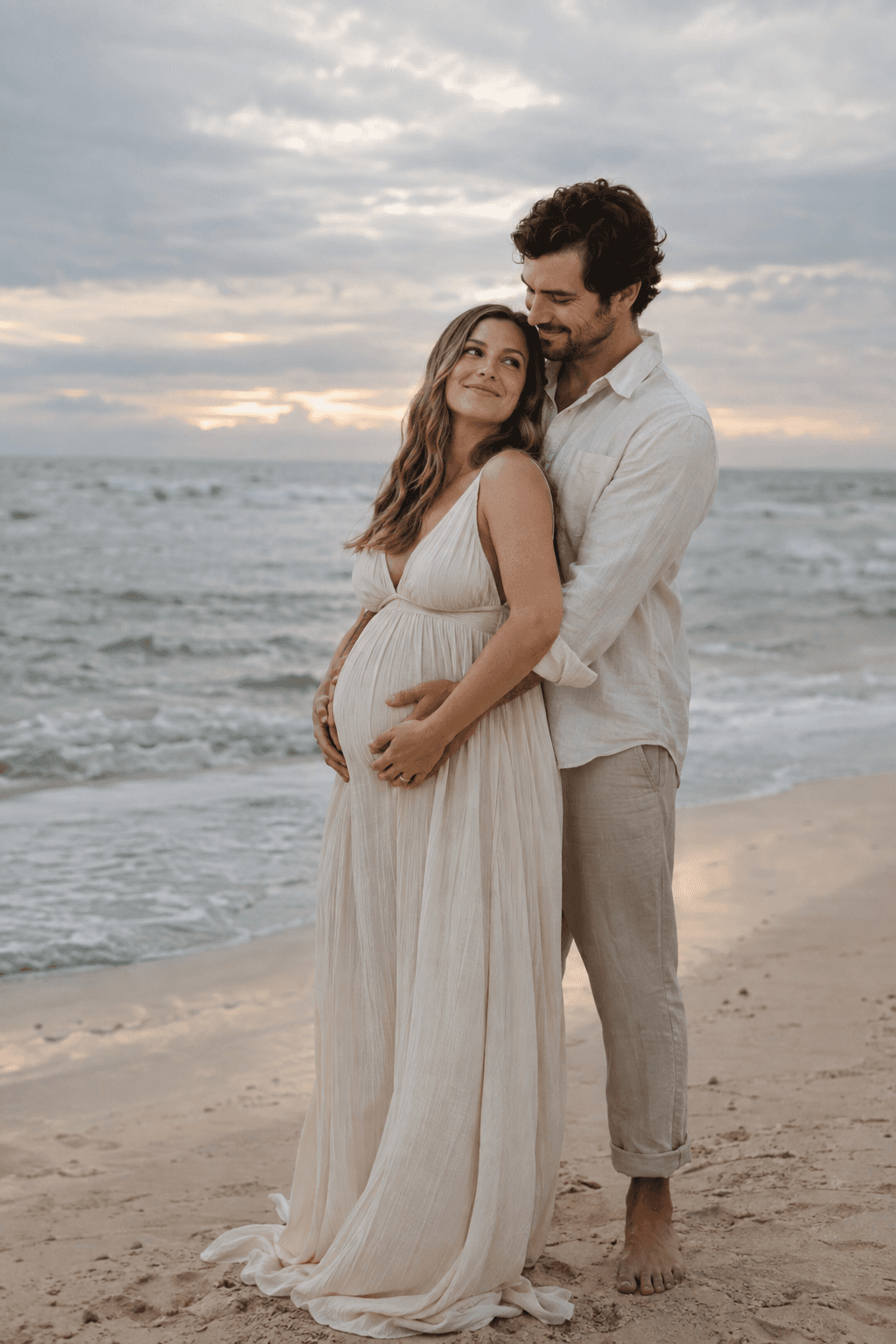 By the Sea maternity portraits